Raven's Editor is the primary development environment for creating games with the Engine. It provides tools for scene editing, asset management, scripting, and runtime inspection.
The editor is built on Dear ImGui and uses a dockable interface. Panels may be rearranged, docked, or hidden depending on your workflow.
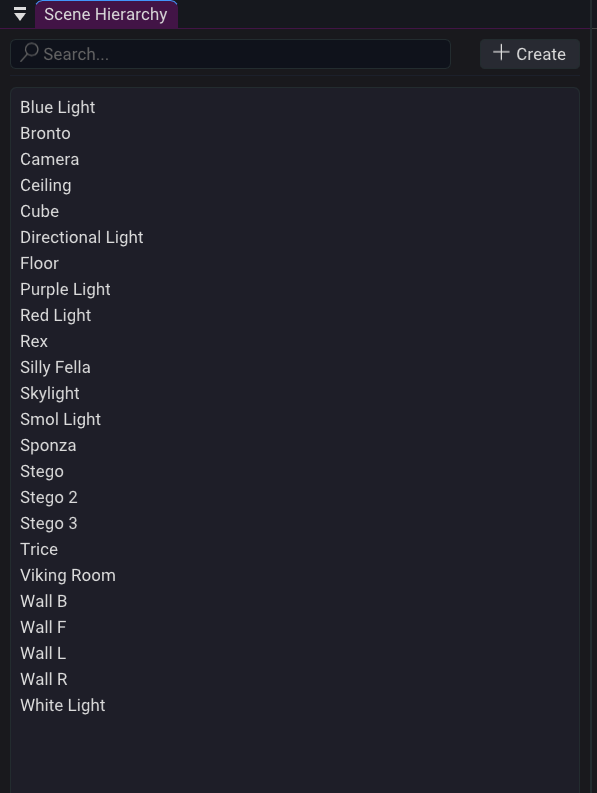
The Scene Hierarchy displays all entities in the currently loaded scene.
Features:
Selecting and entity makes it the active selection and opens its components in the Properties panel.
Parent-child relationships are currently not implemented.
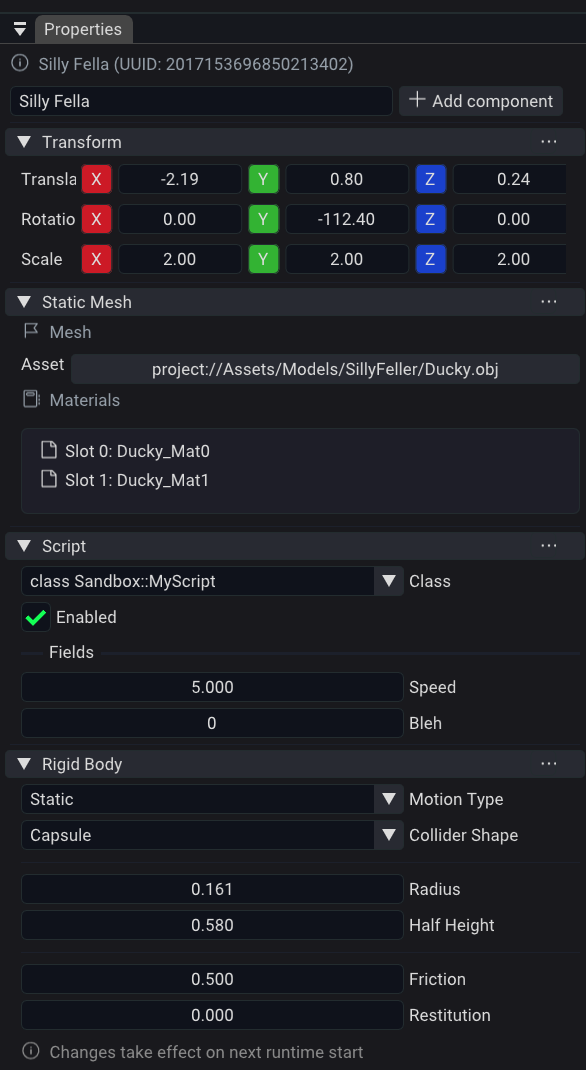
The Properties panel displays the currently selected entity.
From this panel you can:
Changes made in the Properties panel are reflected immediately within the editor.
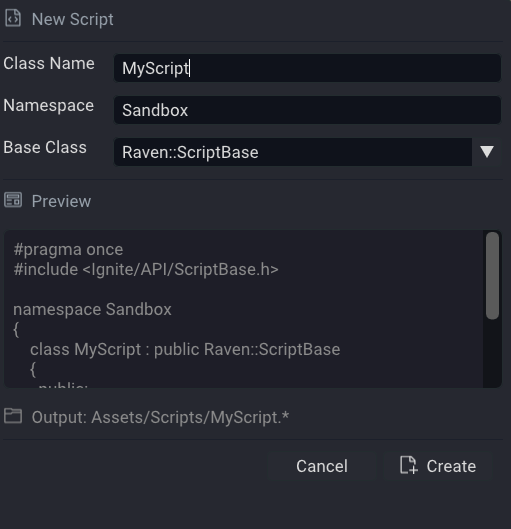
The Creation Script Wizard creates C++ scripts directly from the editor. It can:
After script creation, the editor launches a background process through Progenitor and thus generates project files and rebuilds the script DLL.
This can be manually triggered through the Menubar
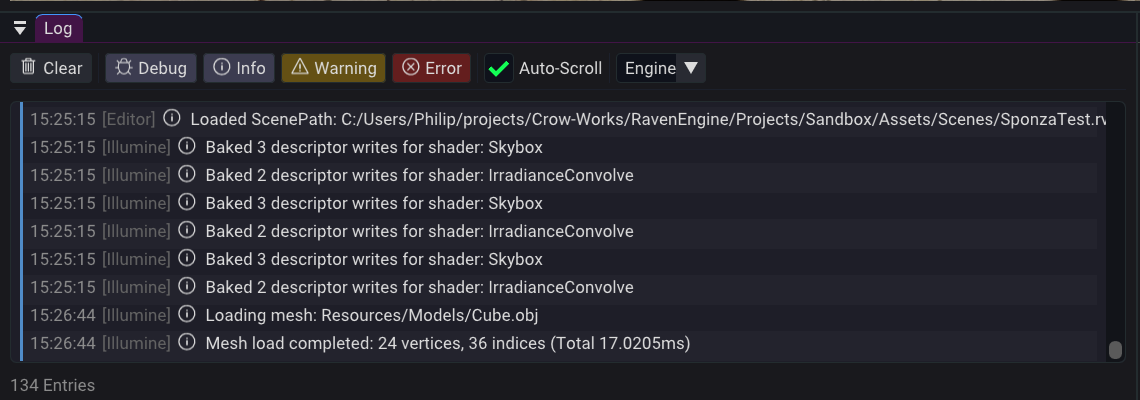
The Log panel displays messages produced by the engine, editor, and game runtime.
Supported log levels:
The log panel is often the first place to look when diagnosing project issues or script failures. Everything written to the Log Panel is also written to a log file. This should be attached whenever you submit a bug report.
Play mode launches the currently loaded scene using the game's runtime systems.
While in Play mode:
Any script that crashes during execution is marked as Faulted and prevented from running again until Play mode is restarted.
 1.17.0